lbschool.jal@gmail.com +91 98727 14888
Dear Parents,
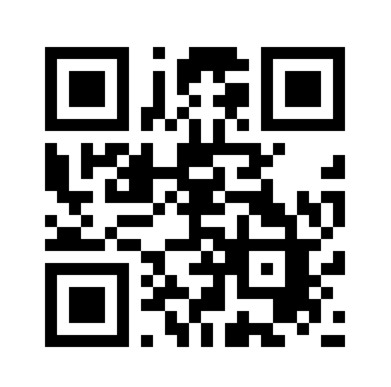
We kindly request you to download the SchoolPad app for your child(ren) for session 2025-26 at La Blossoms School using the QR code attached:
Search app on playstore: Schoolpad
Instructions to Set Up:
Download the App from the relevant store.
Enter the School Code: 468468
Enter User ID: This is based on your child’s admission number. For example, if the admission number is 2628, the User ID will be P2628.
Enter Password: The password is your child’s date of birth in the format DDMMYYYY. For example, if the date of birth is 06/04/1980, the password will be 06041980.
Change Your Password after logging in.
Please ensure that you follow these steps for a smooth setup process.
Thank you!
Dear Parents,
We kindly request you to download the SchoolPad app for your child(ren) for session 2025–26 at Little Blossoms School using the QR code,Search app on playstore: Schoolpad
Instructions to Set Up:
Download the App from the relevant store.
Enter the School Code: 467467
Enter User ID: This is based on your child’s admission number. For example, if the admission number is 2628, the User ID will be P2628.
Enter Password: The password is your child’s date of birth in the format DDMMYYYY. For example, if the date of birth is 06/04/1980, the password will be 06041980.
Change Your Password after logging in.
Please ensure that you follow these steps for a smooth setup process.
Thank you!